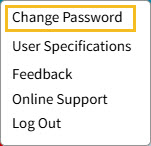
In the top right of the Admissions screen, you will see your user name and a drop down menu.
Click the Question Mark icon to open a new window where all the Admissions support articles can be found.
To the right of your user name is a drop down menu.
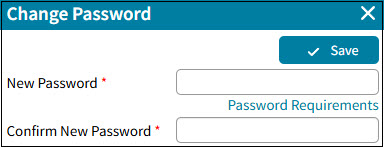
The first item is Change Password.
When The Supervisor creates a user, they set up a generic password. One of the first things each user should do is change their password from a generic password to a personalized password.
Click the Save button.