
TABLE OF CONTENTS
Skills
Setup Center > Libraries > Skills can be used by the AdminPlus Supervisor to manage their list of Skills. The Skill Library is by School Year so changes in one year will not affect the other.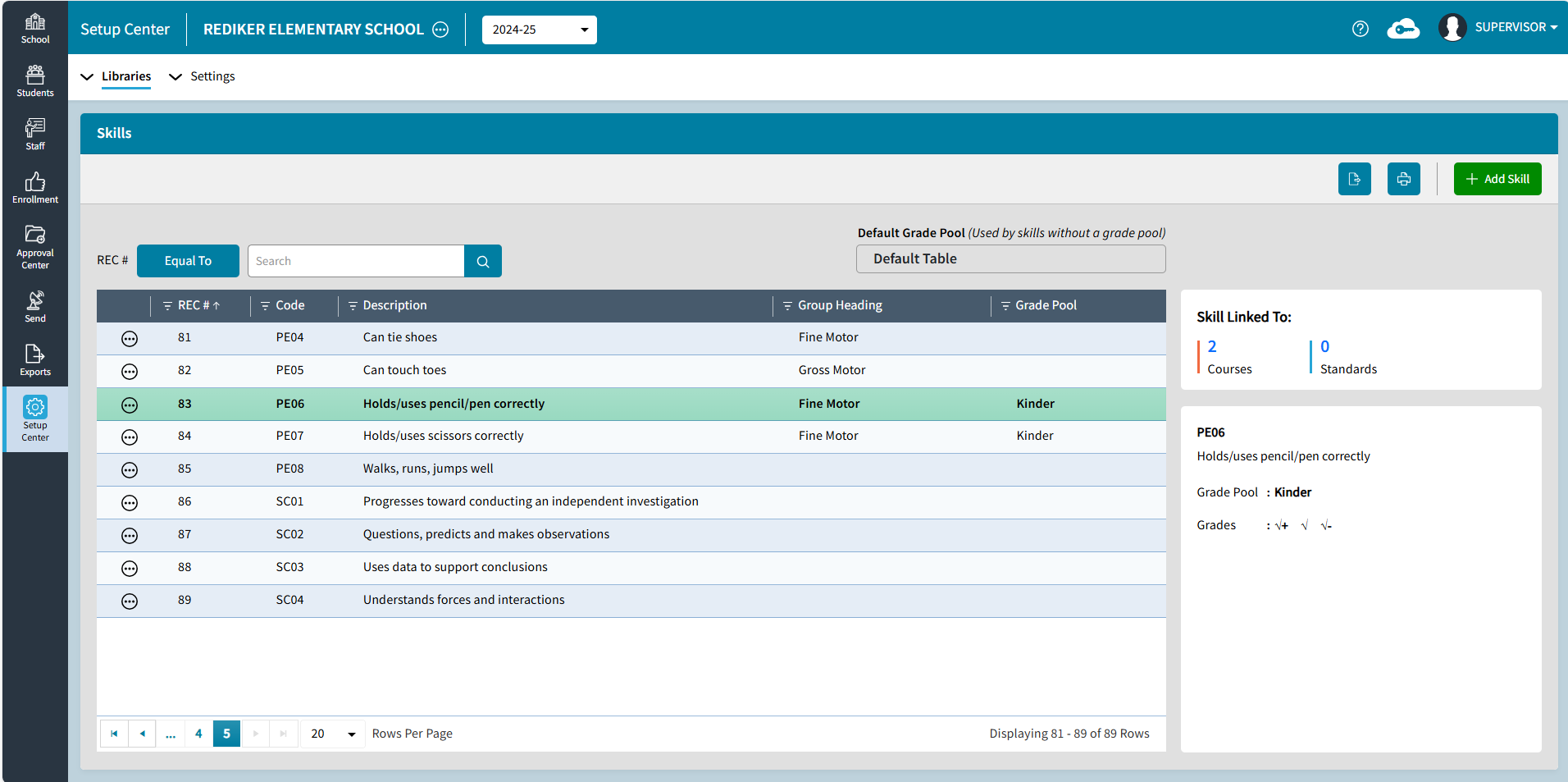
- Click the
 export icon to export to Excel.
 - Click the
 print icon to open the list in Print Preview to print or save as a PDF.
 - Search. Search defaults to the first column Record # but you can click on any header to change the search field.
- Click the filter icon to filter any field. The filtered list can be exported or printed.
- Click the
 ellipsis icon next to a skill to Edit or Delete the skill
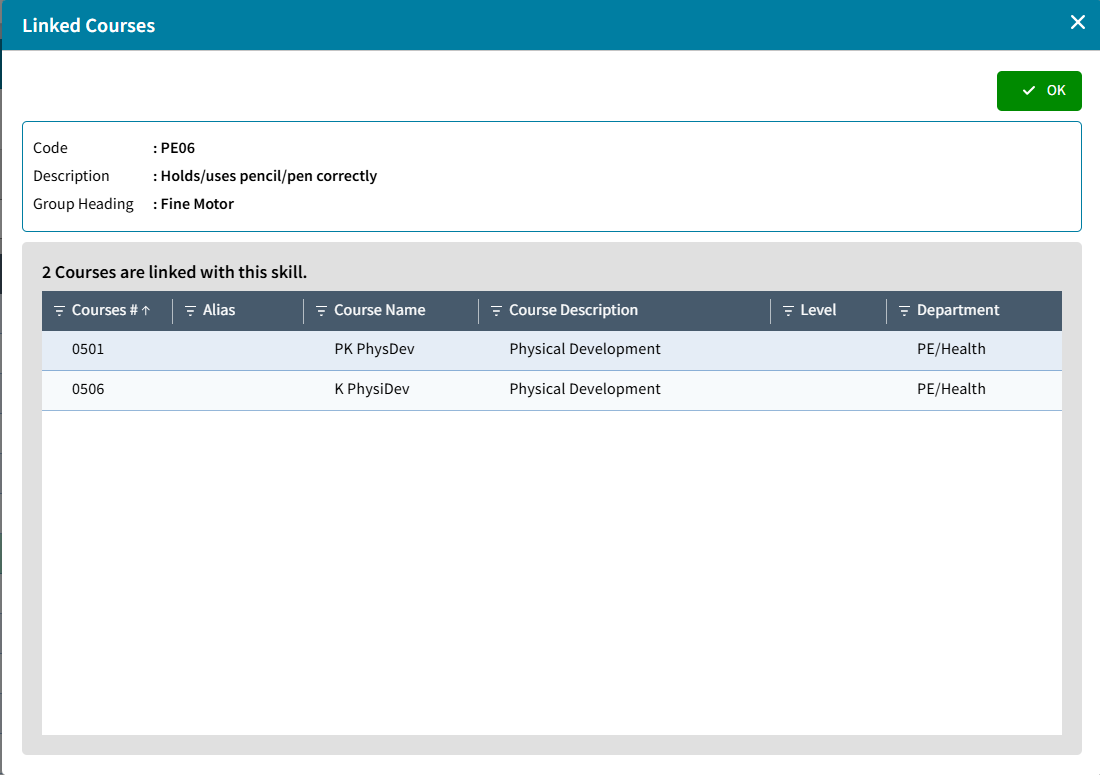
 - Skill Linked To: on the right displays the number of Courses the Skill is linked to. If the school is tracking standards in any sections it also displays the number of Standards the Skill is linked to. Click on the number to see more detail.
Add Skill
- Click Add Skill
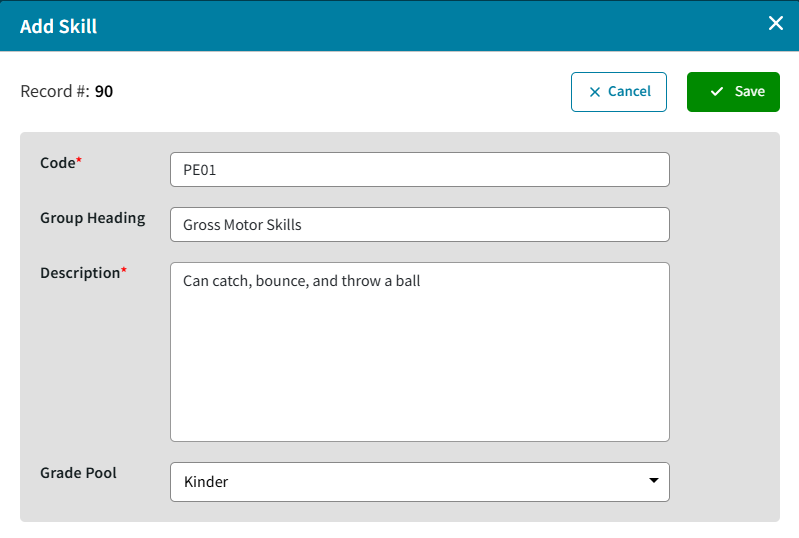
- Enter a unique Code up to 4 characters alpha numeric. Using the first 2 characters for the subject is helpful later when linking skills to courses.
- Group Heading is optional. It can be printed on a report card under the course heading and above the skills that share the Group Heading.
- Description can be up to 255 characters. It prints on the report card with the skill grade.
- Grade Pool's for Skills are currently defined in classic and are selected here. The Grade Pool determines what symbols the teachers can use to assess the Skill.
- Save
Edit Skill
- Click the
 ellipsis icon next to the skill, select Edit.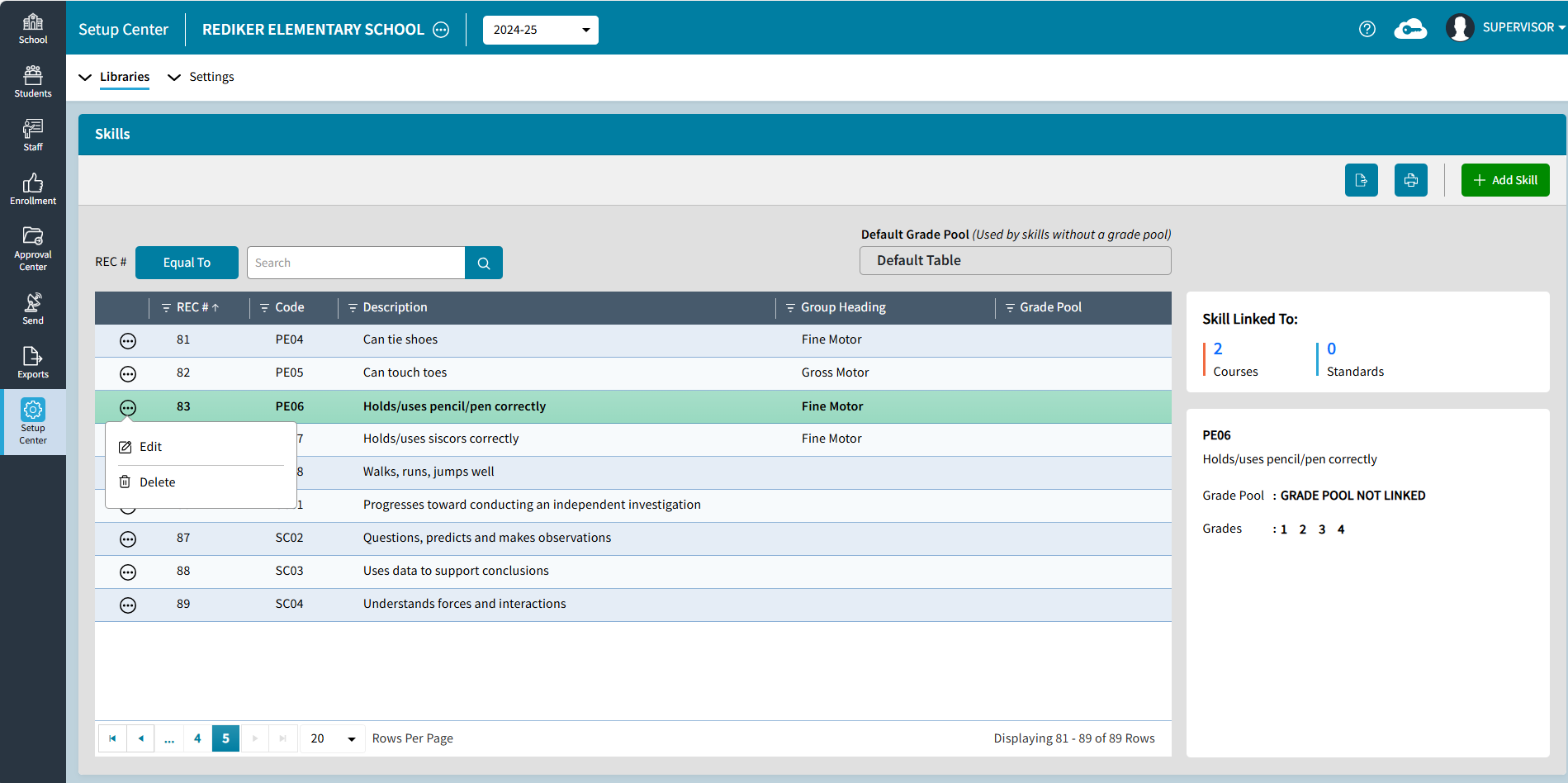
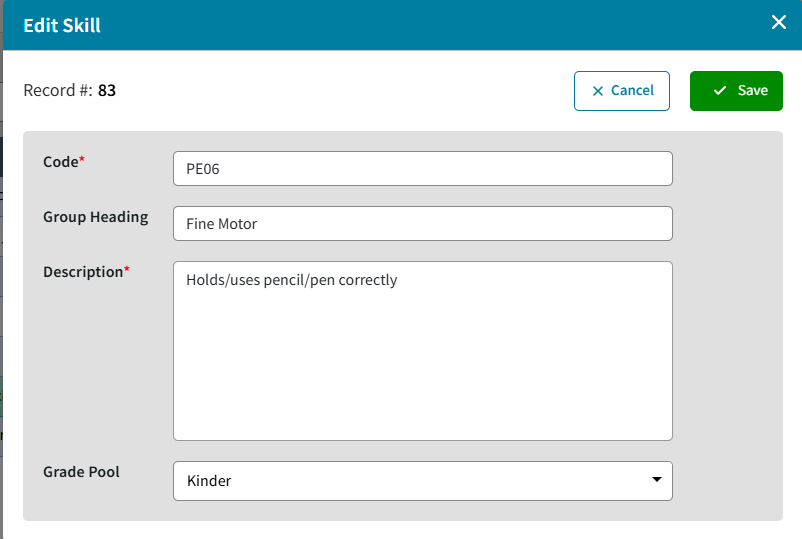
- Make any changes and Save