We have released some more widgets for use on your RediSite. In this release we are highlighting two new widgets for use with your PlusPortals Calendar, the Redi Full Calendar and Upcoming Events widgets. Additionally, we have a new Tabbed Video widget and Staff Directory widget designed for use with your AdminPlus Staff feed. We also added some enhancements to the older R Nav widget to make it even more flexible and valuable, as well as notes about Personalization updates. Also, be on the lookout for our webinar series. Lastly, be sure to visit the RediSite Support Guides regularly as new ones and updates are added all the time.
We've released several new features, improvements, and feature fixes for RediSite. Highlights of this update include:
| New Features & Enhancements | ||
|---|---|---|
| Redi Full Calendar | An updated monthly calendar widget. | |
| Upcoming Events | A widget to display and highlight upcoming events. | |
| R Nav | A simple widget for providing quick navigation to important items, which has been given some enhancements. | |
| Tabbed Video Widget | A new video widget capable of displaying multiple videos. | |
| Staff Directory | A slick option for displaying your AdminPlus Staff Directory on your website. | |
| Personalization Rules | The Personalization rules have been updated. | |
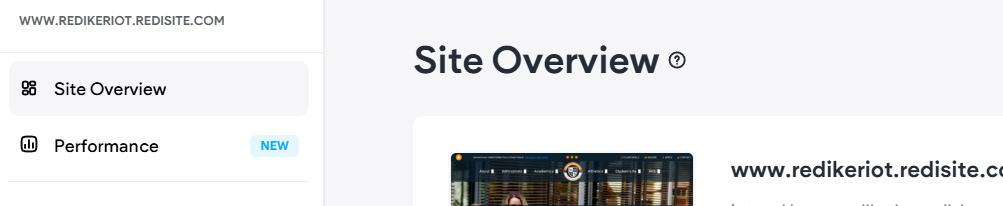
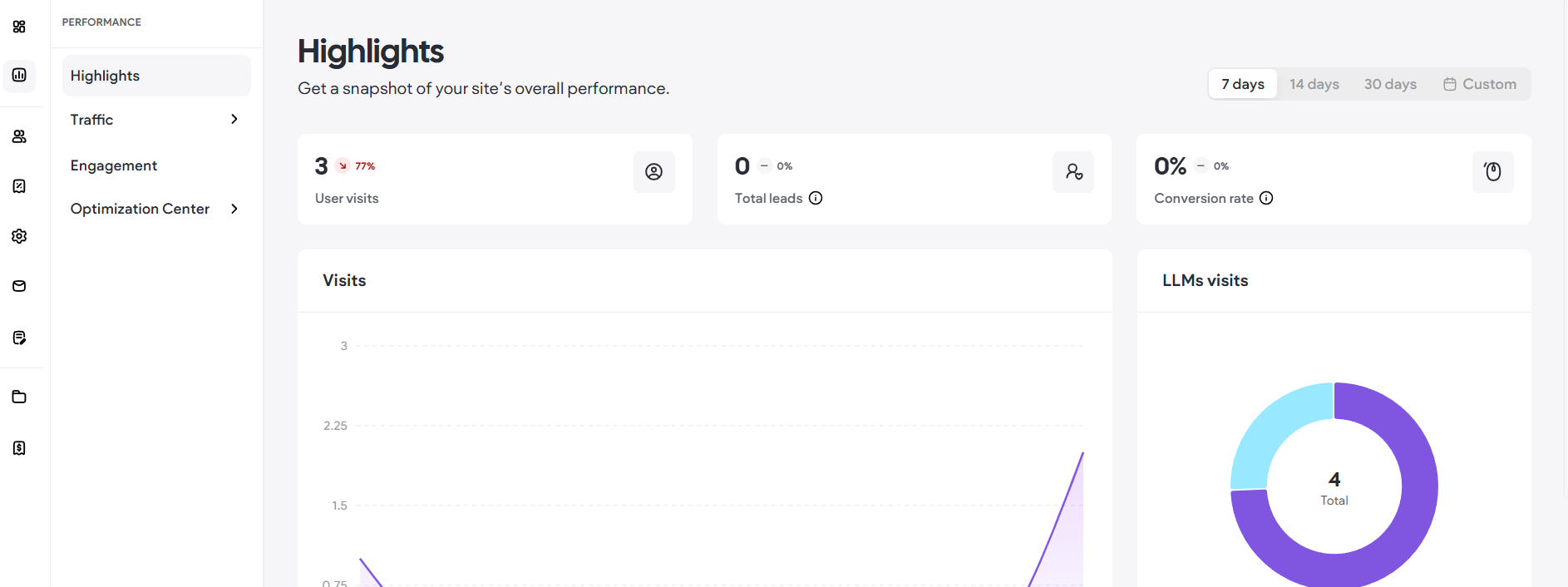
| Performance & Stats | Your site stats are now organized under Performance on your site dashboard. | |
New Features
Redi Full Calendar
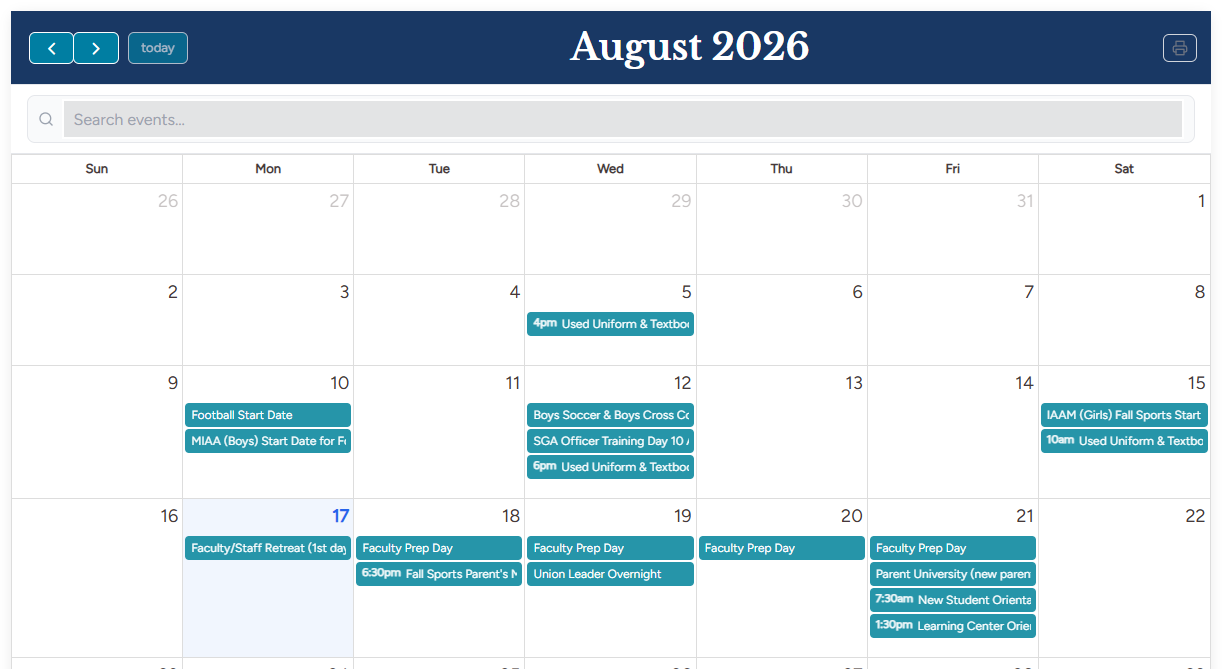
A widget to display your calendar of events from your Rediker PlusPortals School Calendar integration. This widget will display events as a list or as a responsive monthly calendar. The widget also includes a handy search feature allowing your community to quickly find specific events.
See support article for more details: Redi Full Calendar - Rediker Software
Upcoming Events
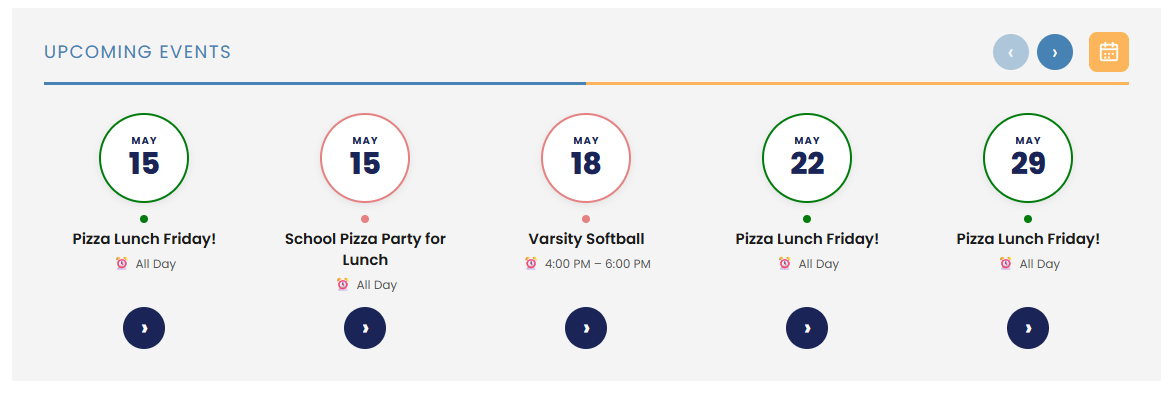
Another addition to the Calendar widget offerings, perfect for showcasing events on your home page. It is a compact and elegant widget for upcoming events. What makes this widget truly unique is the horizontal layout.
See support article for more details: Upcoming Events - Rediker Software
R Nav Widget
While the R Nav widget (short for Random Navigation) has been around for a couple of years, we have added improvements and enhancements to it. The widget now supports icons when connected to a collection! It is a widget designed to provide secondary navigation to important information. For example, you can use the widget to highlight your PlusPortals link or even your Admissions login for applications. We frequently use this widget in the website header area for those exact purposes.

See support article for more details: R Nav - Rediker Software
Tabbed Video Widget
A perfect widget when you want to show multiple videos in a compact and efficient way, while still grabbing your audience's attention. The widget organizes the videos into tabs, thus, allowing multiple videos to be displayed in one location.
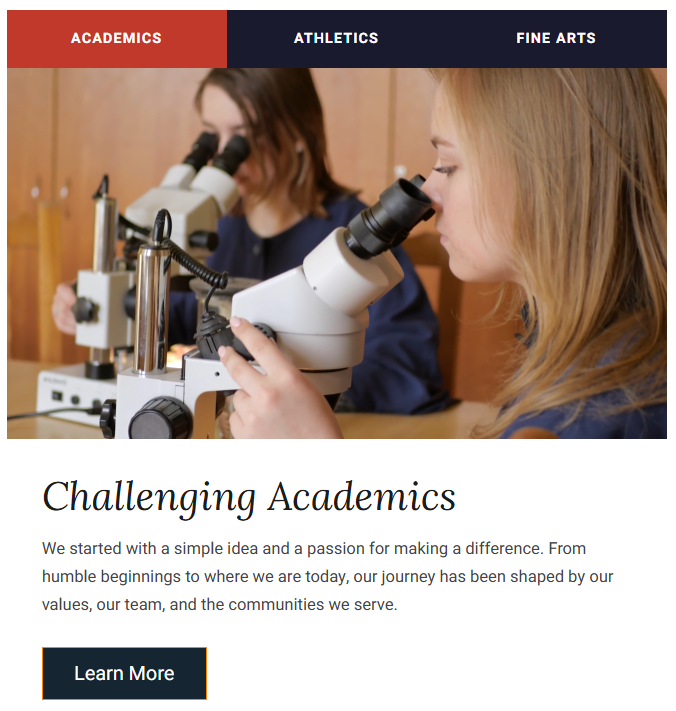
See support article for more details: Tabbed Video - Rediker Software.
Staff Directory
Specially designed to work with your AdminPlus Staff Directory. It displays your staff in a searchable directory and offers unique features like grouping by department as well as linking to an additional collection to also provide staff biography text and or additional information. It can automatically display your staff from AdminPlus and looks amazing while doing it! What are you waiting for?
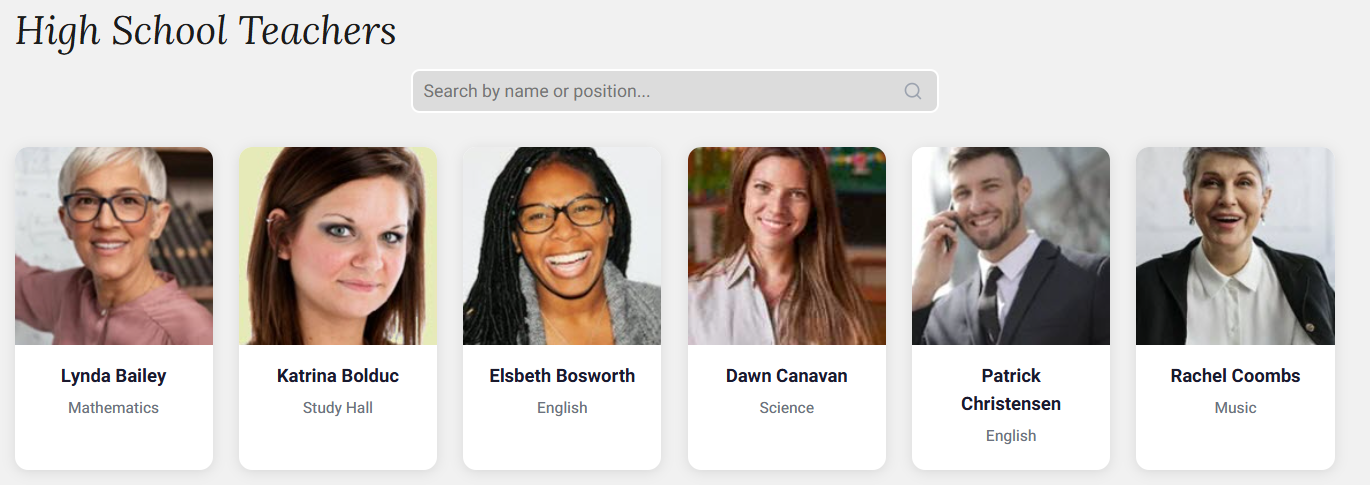
See support article for more detail: Staff Directory - Rediker Software
Personalization Rules Enhancements & Updates
The Personalization menu has been updated and streamlined with a new look. The rules and the majority of the settings are still the same, however, it is presented in a new more user-friendly way. Also, there are a couple of new options added. See notes below.
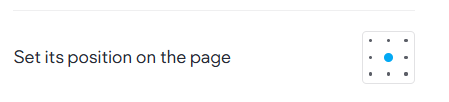
- Position on Page (Popups only): Popups can now have a position on page set. Allowing you to choose to have the popup open in a specificized page position. It is no longer limited to only opening in the middle.
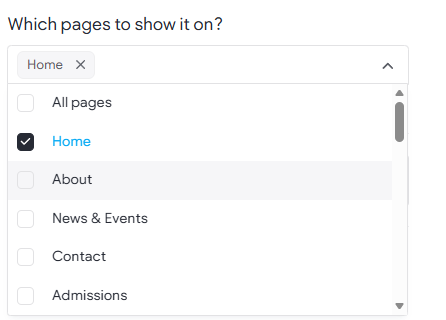
- Which pages to show: Most rules (like popups, message bars, and special effects) can now be set to run on all or specific pages selected. For example, a popup can now be set to display on All pages. Keeping in mind the 30 minute/session rule,
- Display Options: Two additional display option were added for Popups specifically.
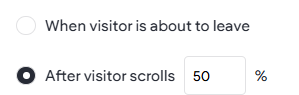
- When Visitor is about to leave: On desktop, it activates when it is detected that the visitor's mouse cursor is moving quickly toward the top of the browser window (usually heading for the close button, back button, or address bar). That upward movement is the signal that the visitor might be about to leave/exit, and that’s when the action you’ve set up, like a popup, will show up.
- After visitor scrolls (%): This delays the popup from happening until the visitor has scrolled the amount (%) set in the rule. From example, if the rule is to trigger a popup, but only on the Admissions page when the visitor has scrolled down 50% of the page.
See full article here: Personalization Rules
Performance & Site Stats
Your site stats have been moved and reorganized under a new Performance tab in your site dashboard. See how your site is doing in one place, right in the context of the site itself. Along with the refreshed stats experience, the recently added Highlights page puts some of the most important metrics like conversions, leads, visits, and important SEO fixes, front and center.